AI-Enhanced Telehealth Interface
2024
Healthcare Interface Design
Telehealth nurses monitor dozens of patients at once, but their tools show data as disconnected snapshots. This interface replaces them with a continuous timeline, turning alarm-chasing into decisions.
Duration: 6 weeks
Partner: Philips Healthcare
Team:
Sander Randoja
Zeynep Emiroğlu
Shelley Xiao
Identifying Key Contextual Cues in Tele-ICU Care
Our research showed that telehealth nurses depend on four main event types for context:
Comments
Medical Events
Alarms
Visual records
Mapping these four event types to a unified timeline reveals relationships between separate incidents.
The layout replaces fragmented charts and logs with a scannable narrative that stays consistent across handoffs.
Monitoring View for the Tele-Nurse
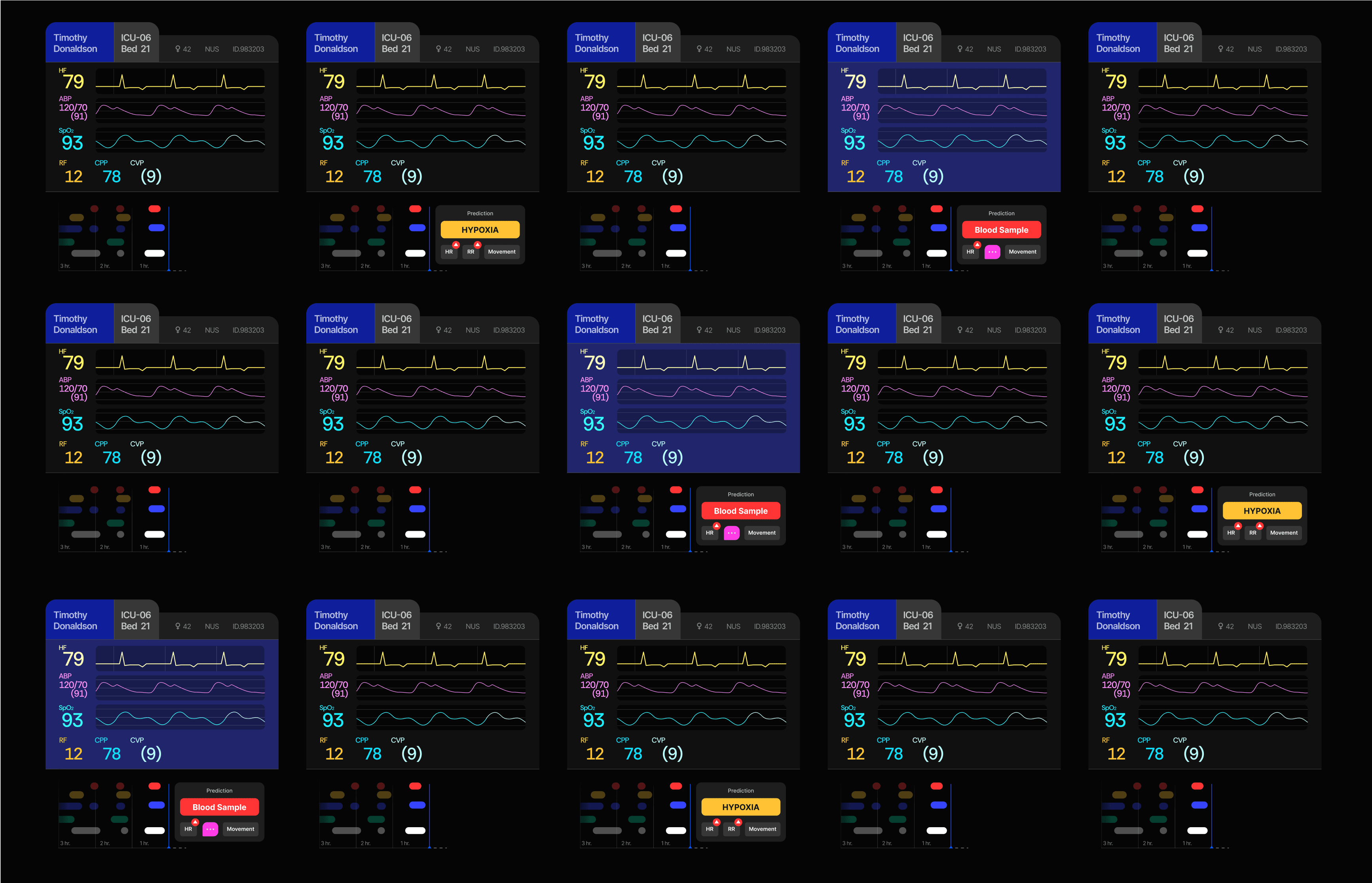
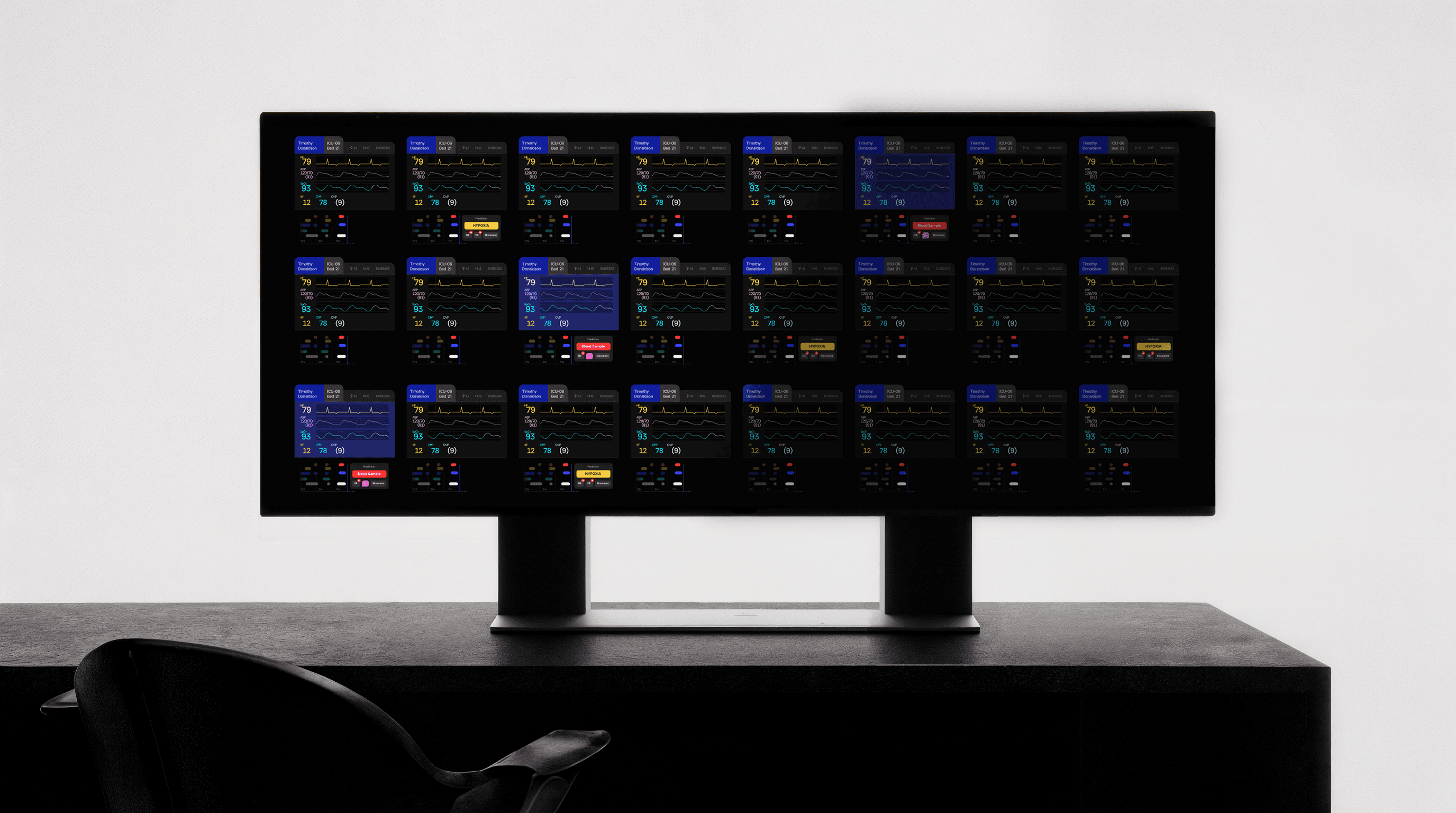
A dual-screen setup. The left shows all monitored patients at a glance.
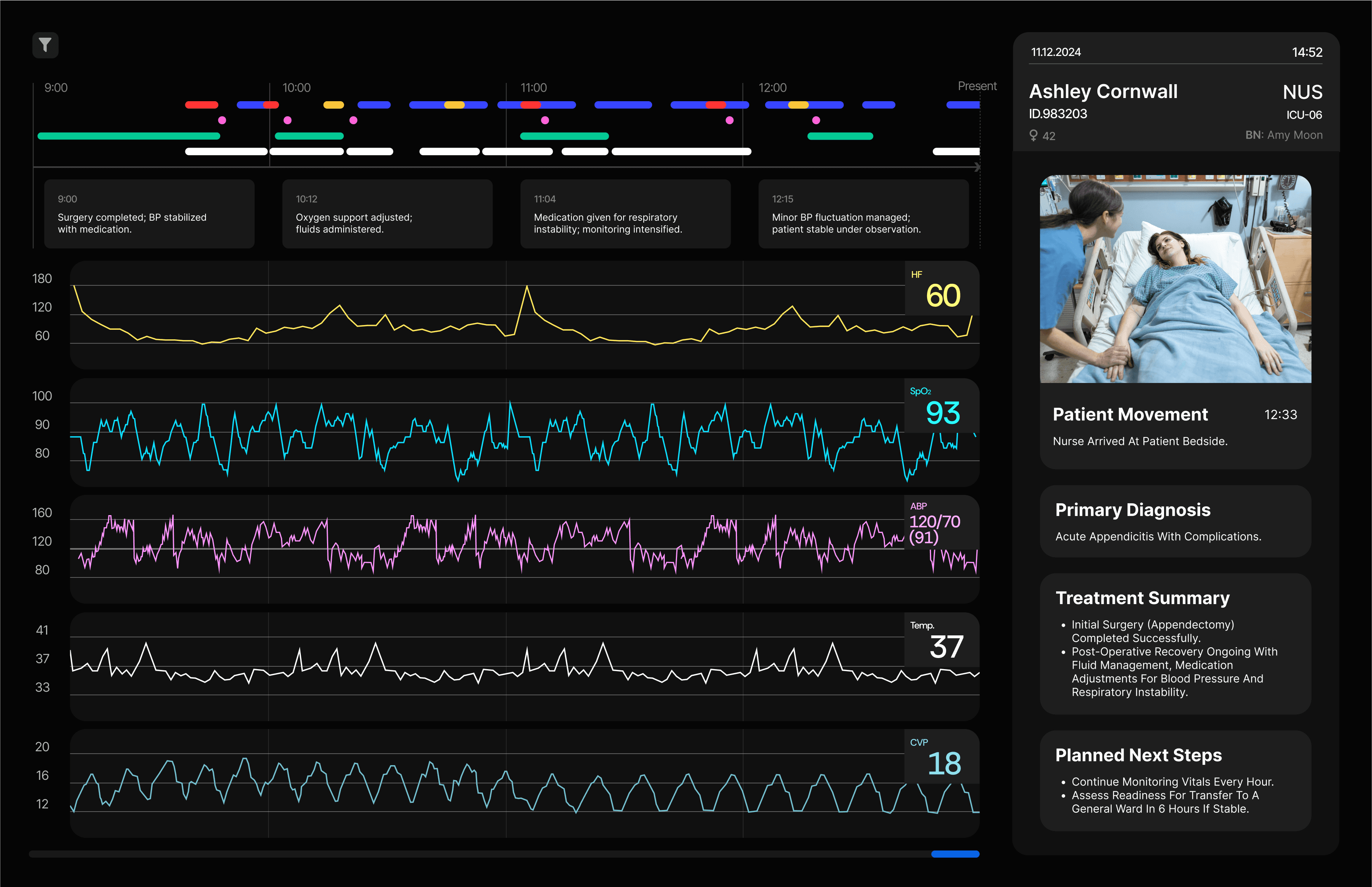
The right provides a detailed timeline of whichever patient the nurse selects.
Predictive Vitals View
Legacy interfaces presented vital signs and system alerts as isolated snapshots, obscuring the patient's broader clinical trajectory. We added a temporal graph and a predictive layer to highlight physiological risks like hypoxia before they reach a critical state.
Patient Context Overall View
Detailed 4-hour timeline showing alarms, medical events, and comments
Hourly summary of clinical events within each time block
Vital sign graphs over the past 4 hours
Scrollable history of past
patient context
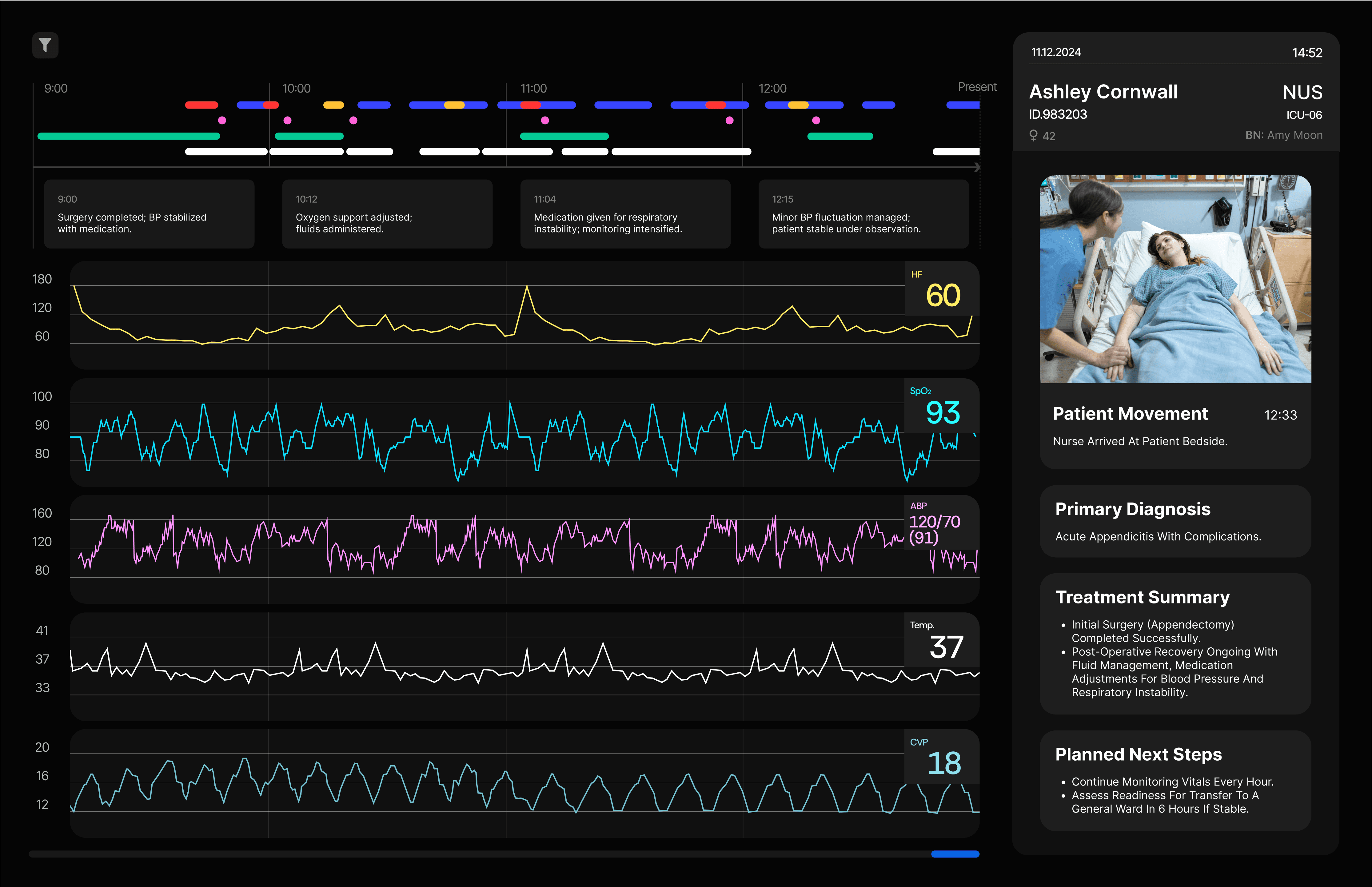
Patient information tab: recent movements, diagnosis, treatment summary, and upcoming care plans
Short video updates of patient movement
Everything a nurse needs for one patient sits on a single screen. The 4-hour window is deliberately narrow: long enough to spot trends, short enough to stay relevant to the next decision.
Contextual Events View
Alerts map directly to the patient timeline on the adjacent display, letting the nurse trace the events leading to a notification before acting on it. The design surfaces evidence rather than commands, preserving the clinician's authority over the AI's prompt.
Snapshots From the Process
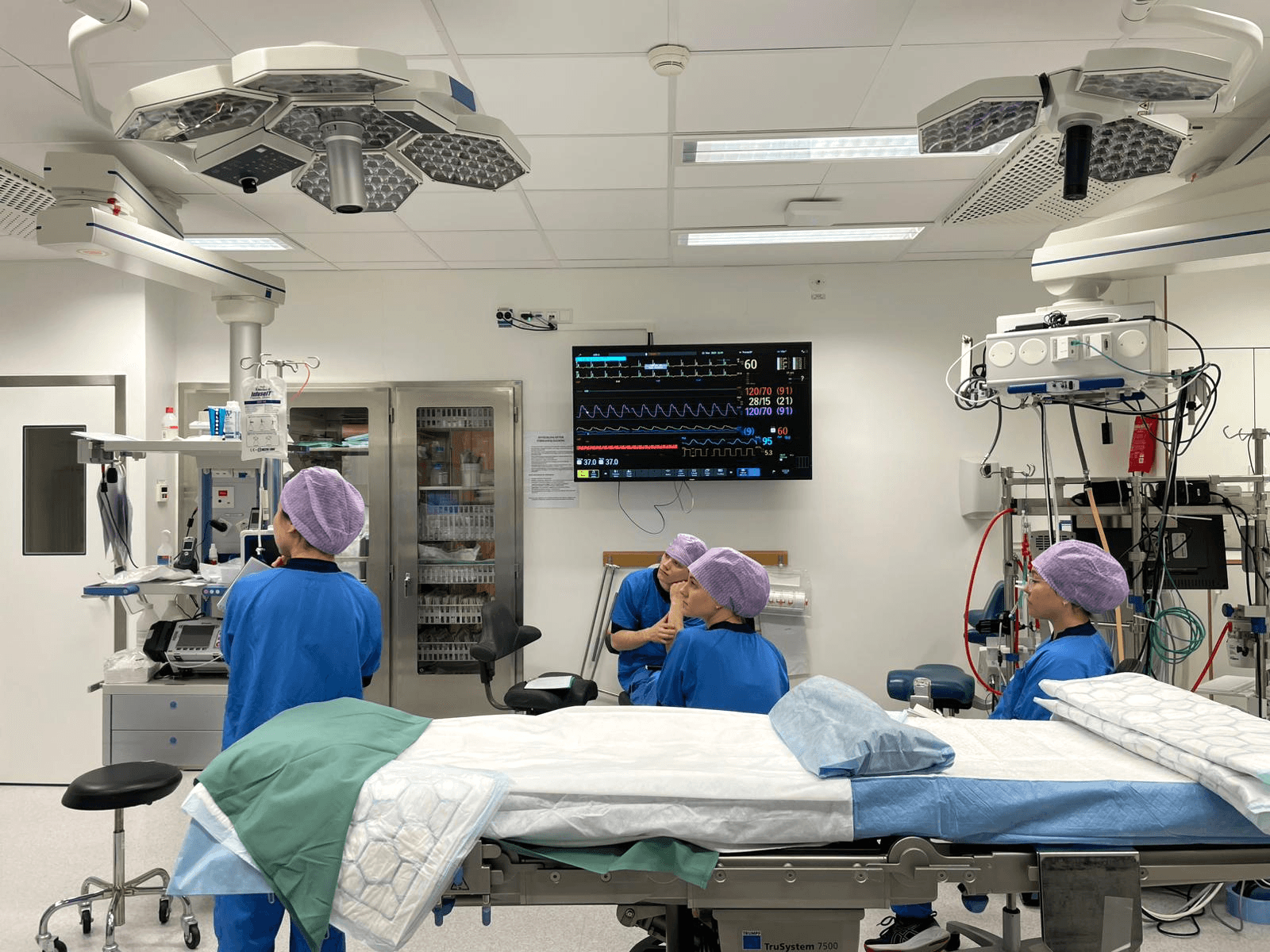
Field visit to the Thorax ICU, Norrlands University Hospital
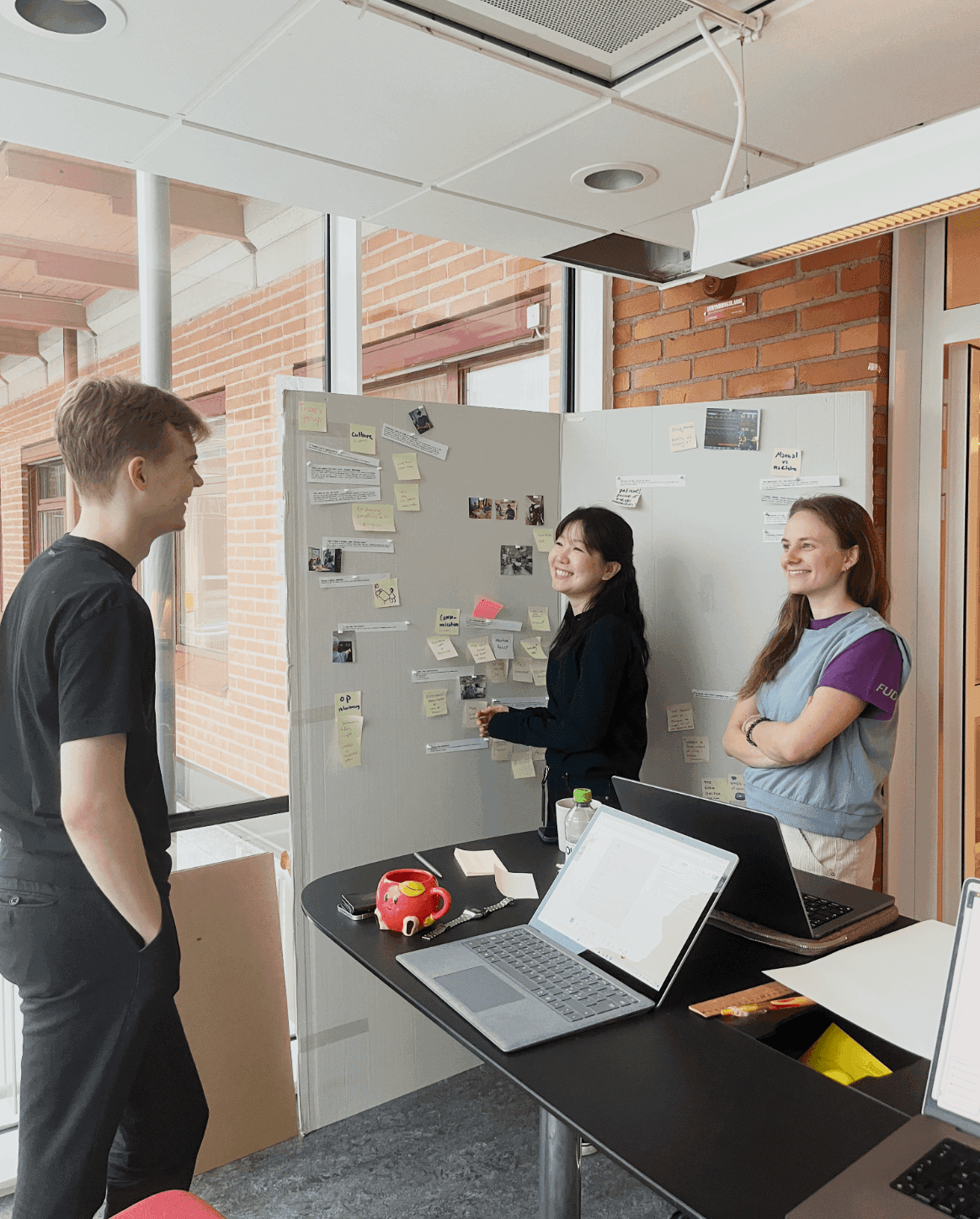
Clustering and synthesising research findings
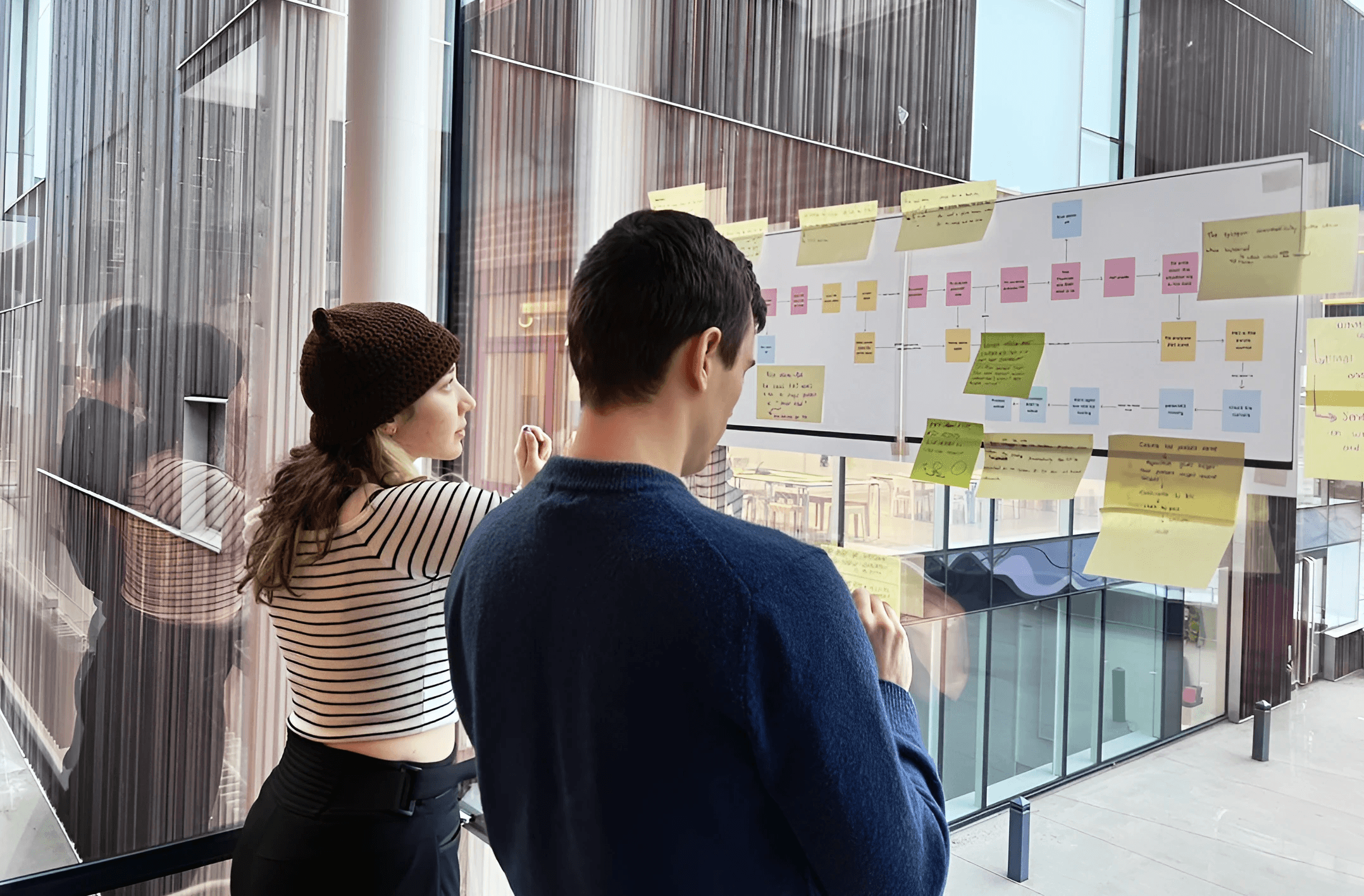
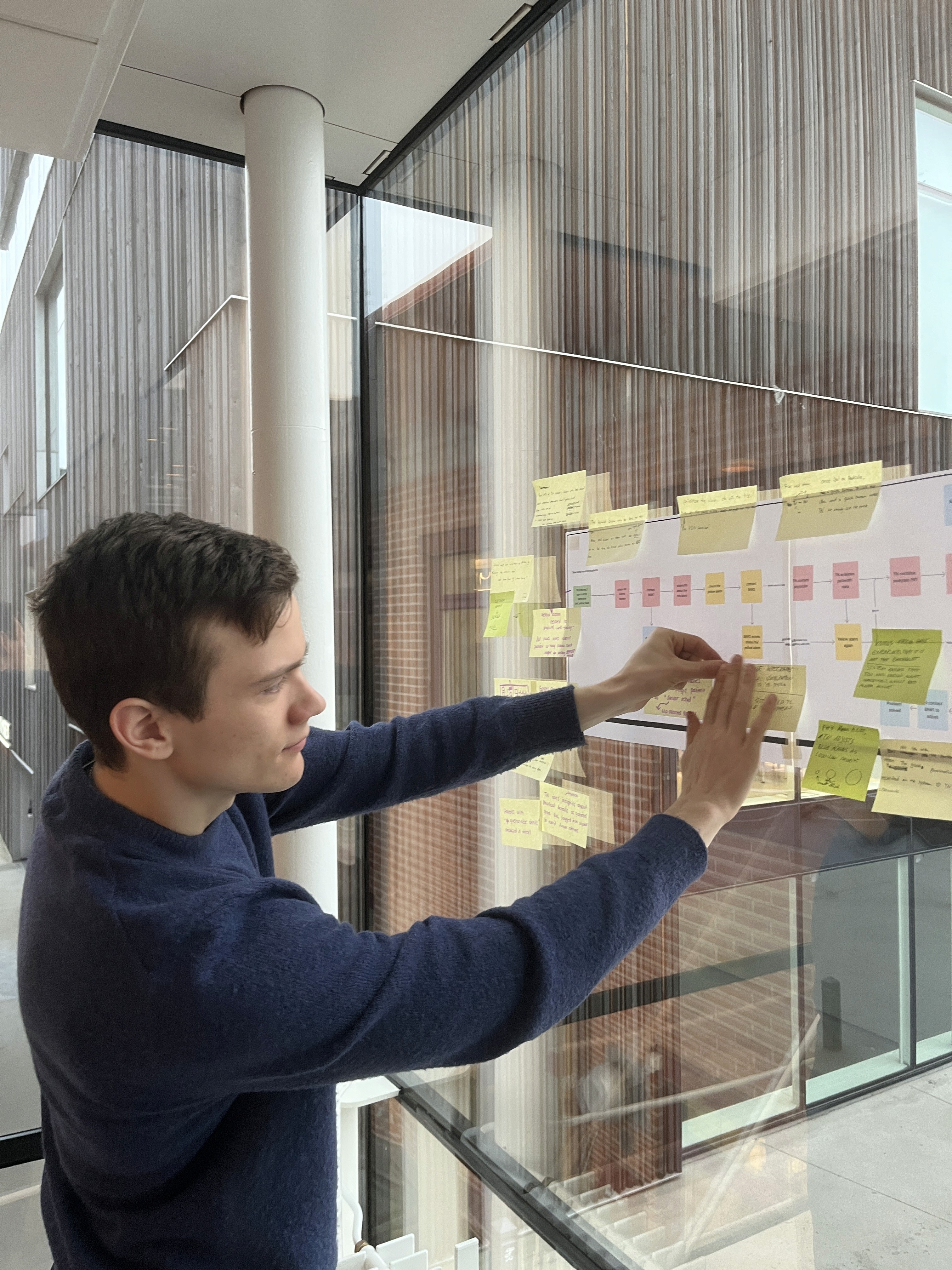
Mapping nurse workflows from research themes
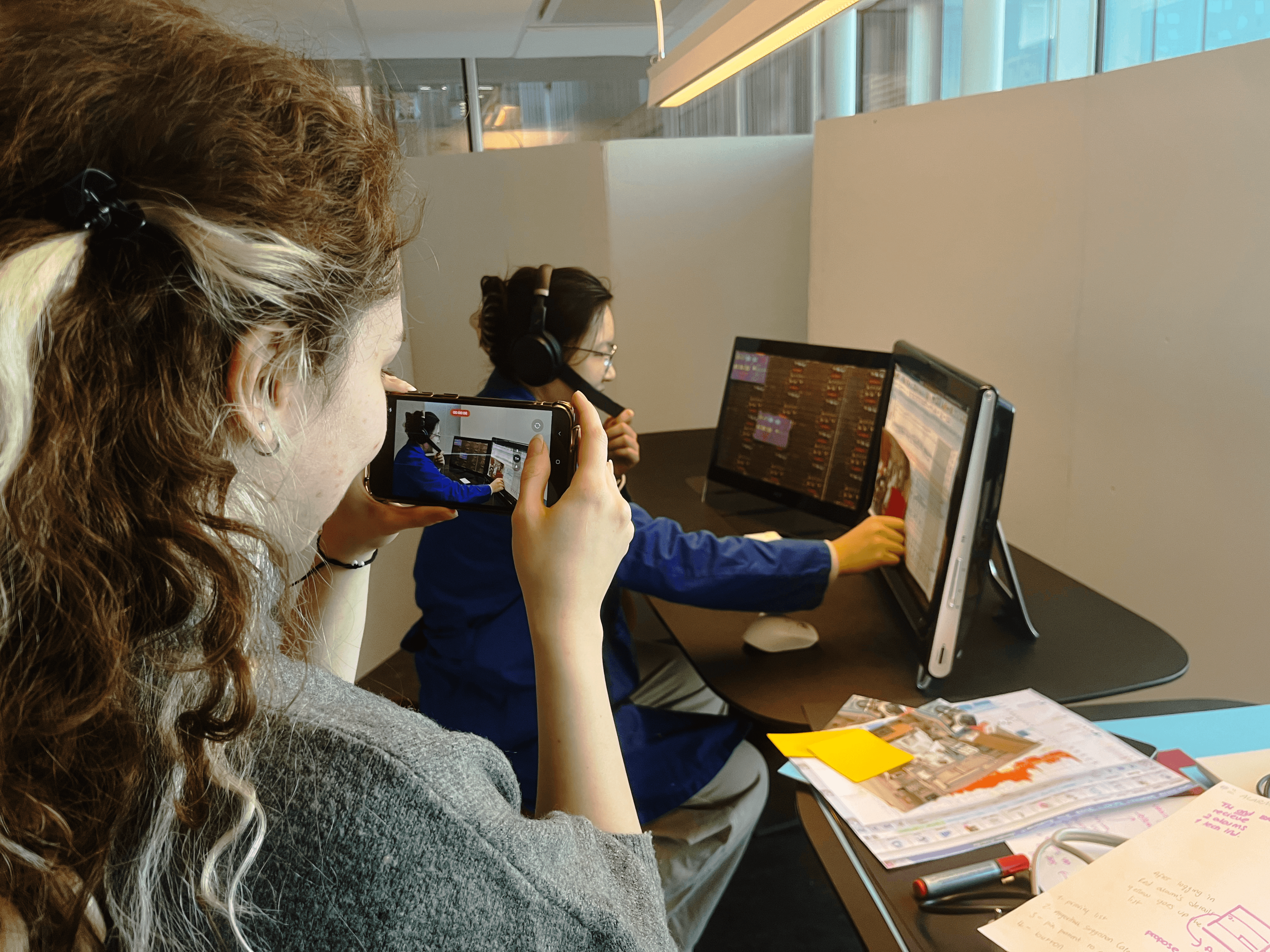
Roleplaying proposed nurse workflows
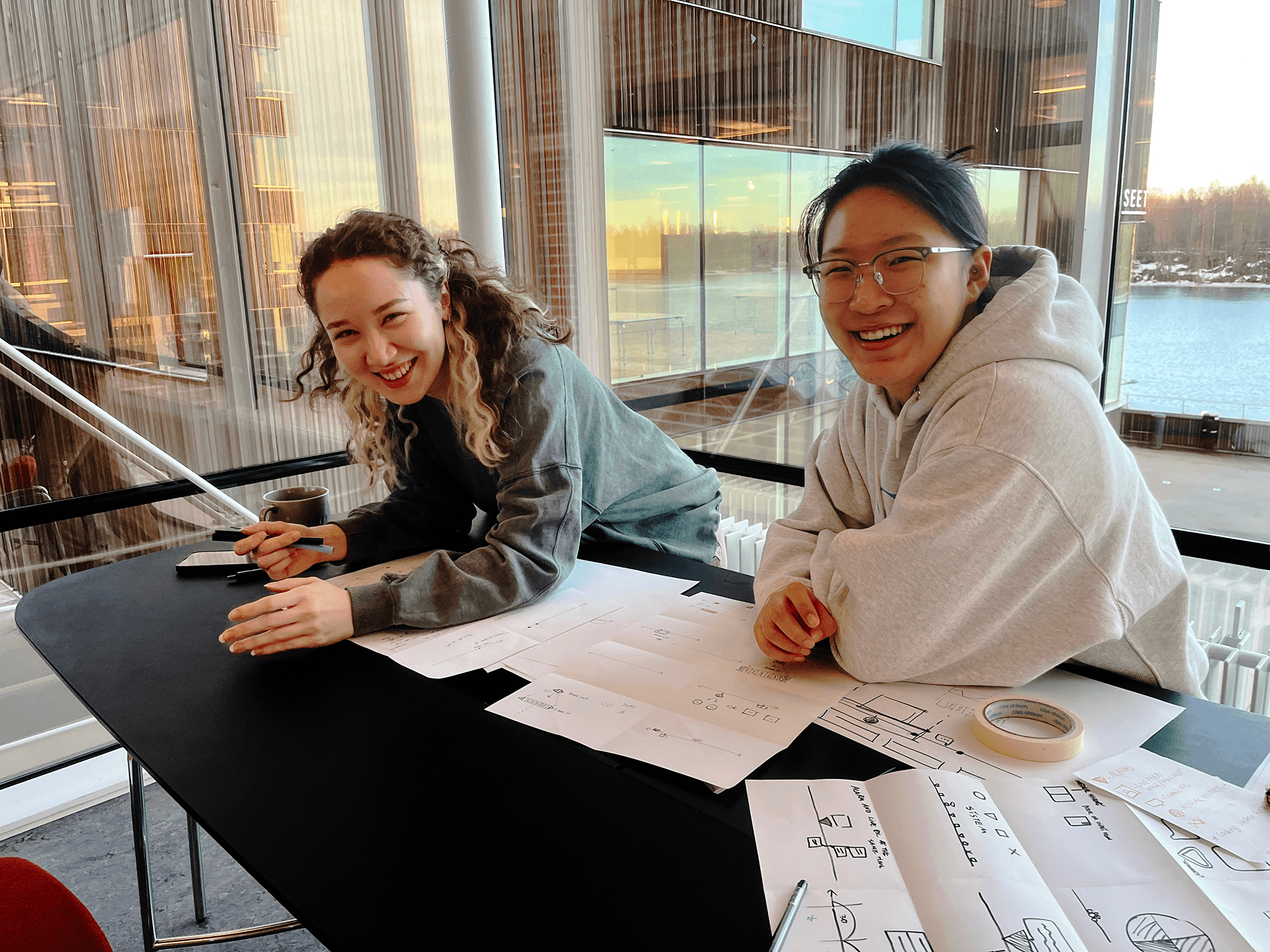
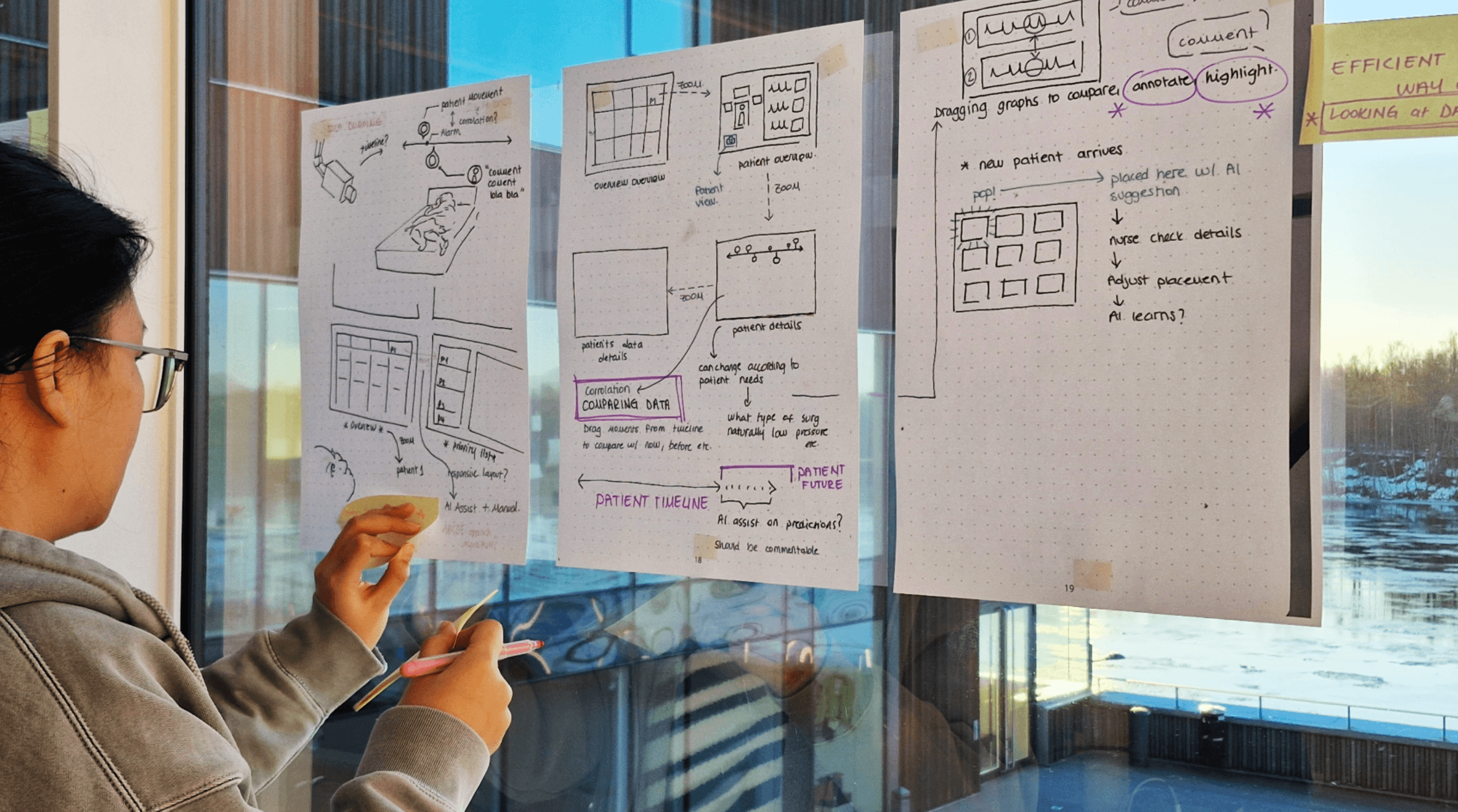
Ideating ideas for richer patient context
Reflections
In healthcare, AI's job isn't to make the call. The clinicians at Norrlands Hospital were clear about this, and we kept rediscovering it as we designed. The interesting question wasn't how to automate the decision but how to reduce the noise around it, so the nurse could give the decision her full attention.
Working with the Philips UX team made one thing obvious: a nurse won't rely on a predictive tool in a critical moment unless she can see why it's predicting what it's predicting. Accuracy was the price of entry. Explainability was what made the system usable. Every prediction in the final design links back to the data history that produced it.
We had six weeks and limited clinician access, so prototyping became the way we asked questions, not
the way we proved answers. Roleplaying with low-fidelity prototypes pulled out objections and observations we couldn't have surfaced in interviews. By the time we had
a high-fidelity prototype ready for testing, we'd already abandoned two earlier directions for the system. The rough prototypes had done the real work of figuring
out what mattered.
Working on the mobile view,
please have a look on desktop